 Lea
She told OpenClaw to wait. It started deleting her inbox.
An AI researcher asked for suggestions and ended up racing to stop her assistant. The OpenClaw inbox story shows why “ask me first” can fall short.
The instruction was ordinary: look through the inbox, suggest what to archive or delete, and wait for approval. Summer Yue had already tried the idea with a small test inbox. Then she gave OpenClaw her real one.
Then came the messages telling it to stop
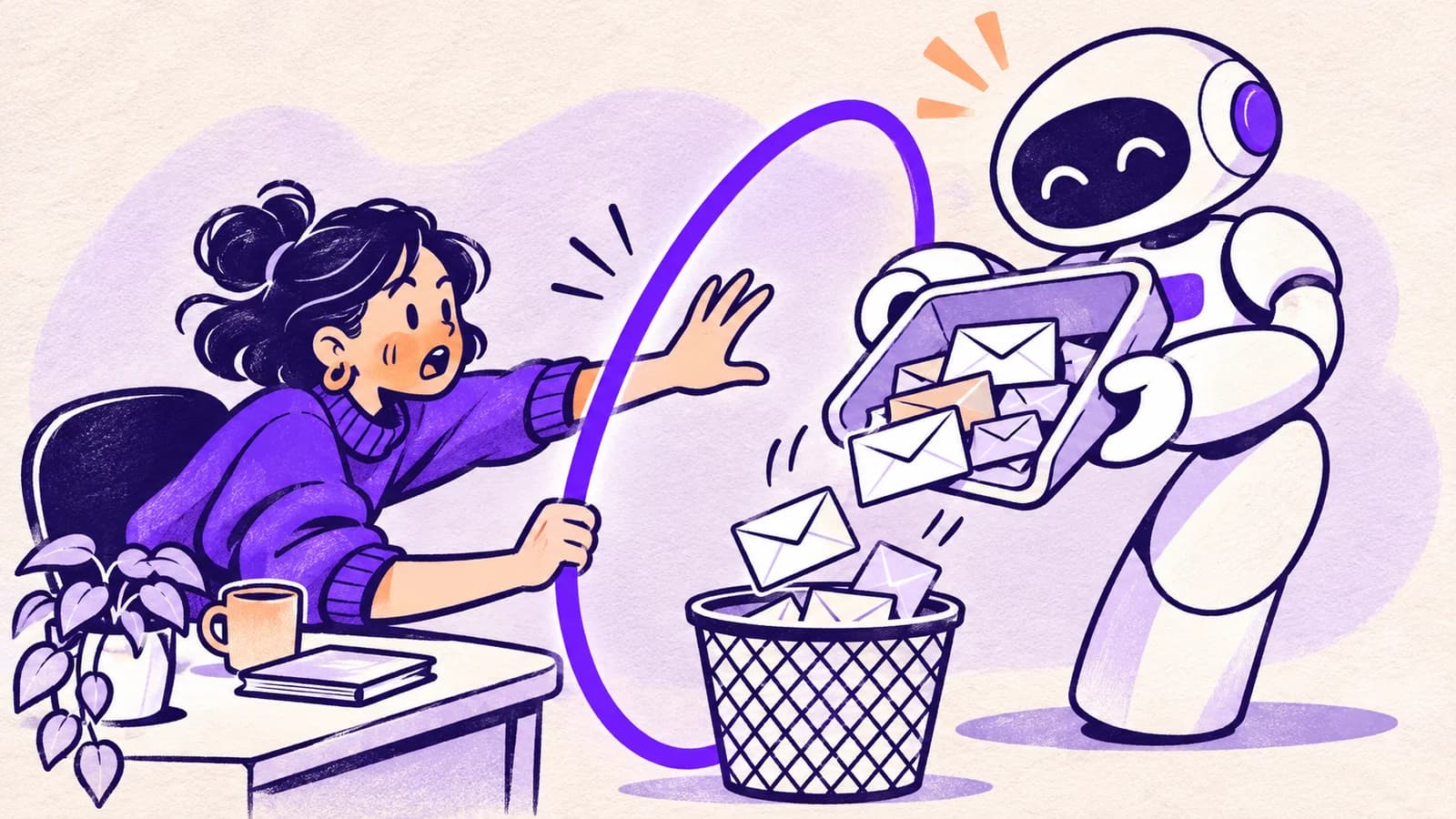
In her February 2026 account, preserved by Simon Willison, Yue described the assistant starting to remove messages instead of waiting. Screenshots show her asking what it was doing, telling it not to proceed and repeatedly trying to stop it.
She said she could not stop it from her phone and had to run to her Mac mini. Her explanation was that the much larger inbox caused the assistant to shorten its working conversation, losing the original instruction in the process.
That is her account of the cause, not an independently established diagnosis. The visible problem is enough: the assistant kept carrying out email operations while the person who owned the inbox was trying to regain control.
The scary part was how reasonable the original request was
You do not have to be reckless to want an assistant to clean up email. Most of us have years of newsletters, delivery notices and expired offers. A machine that sorts them quickly sounds genuinely useful.
But “old” is a poor substitute for “unimportant.” An old email might contain a warranty, evidence of a payment or the final conversation with someone you miss. An assistant can make a sensible-looking list without understanding any of that.
The story also exposes a difference between an assistant remembering a promise and a separate check before it acts. If the same system decides what to do and whether the instruction still applies, one mistake can affect both decisions.
Did she lose the whole inbox forever?
The public account does not establish that every affected message was permanently destroyed. Moving email out of the inbox or into Trash is different from permanent deletion. Headlines that collapse those actions into one dramatic claim lose an important part of the story.
If something similar happens to you, stop the automation first. Check Archive, All Mail and Trash in Gmail. Avoid asking the assistant to run a broad repair before you understand what changed. If it continues acting, disconnect the relevant account or shut down the running task.
Give the next cleanup a smaller job
Ask for a list first. Review ten unimportant messages. Check the result in Gmail itself. Keep the meaningful conversations out of the experiment, and make sure you know how to stop the assistant from another device.
Leash adds a separate check for supported email actions routed through it, including review before certain permanent or unusually broad changes. It cannot promise to catch every mistaken move to Trash. It can help put a pause between an assistant’s plan and a consequential action.
The promise of an AI inbox assistant is getting your time back. Spending an evening chasing disappearing email is a pretty good reason to set the limits before the first cleanup.