 Lea
Using Claude with your files? Check these 5 things first
Claude is useful with documents and connected accounts. Here is how to share less, check its access and keep a helpful task from becoming a messy one.
The tempting part is how quickly Claude makes sense of a messy document. Upload a letter, ask a question, get a useful answer. Soon you are considering connecting a whole account instead of uploading one file. That is a sensible moment to stop and check what else you are opening up.
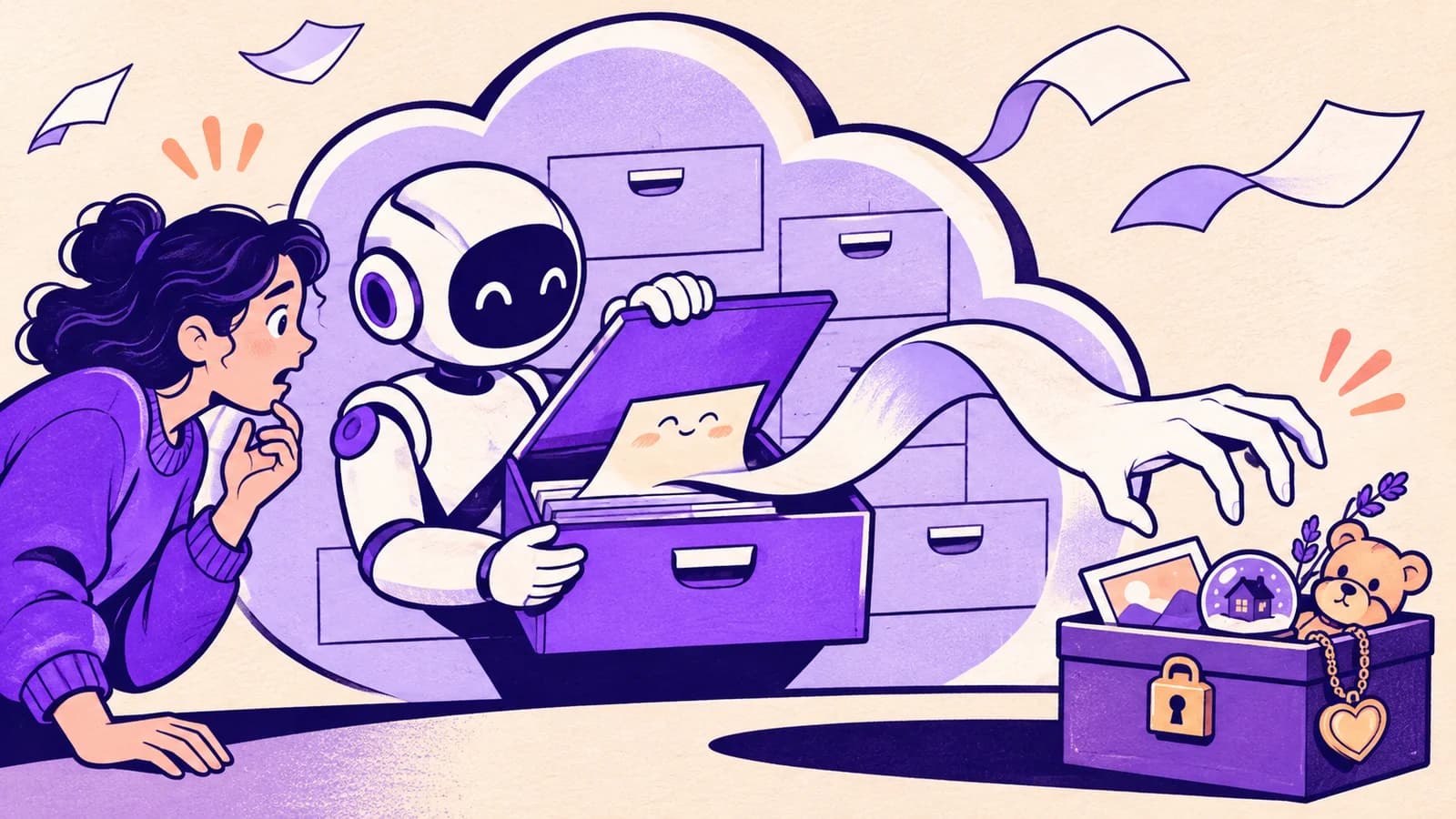
Start with a copy, not your entire filing cabinet
If you only need help understanding one letter, upload a copy with unnecessary personal details removed. A name, address or account number may add nothing to the question. Replace them with simple labels before uploading.
For organizing tasks, try a folder of disposable copies first. This lets you see what Claude thinks “organize” means before it touches a file you would miss. A document called final-final-2 might look redundant to an assistant and be the only signed version you have.
Find out what is actually connected
Open Plugins in the sidebar and look at your installed connectors. If the new layout has not reached your account, look under Customize > Connectors. Anthropic is rolling out that menu change, so both names may appear.
Open each connection and review the account and access. Remove connections left over from experiments. Importantly, removing a plugin does not necessarily disconnect an account bundled with it. Check the connector itself.
Decide whether your chats should help train Claude
Open your account menu, then Settings > Privacy. Turn off the model improvement option, described in Anthropic’s help as Help Improve our AI models, if you do not want your eligible chats used for future training.
This is a data-use choice, not a permission setting for your files. Turning it off does not disconnect Google Drive or stop a tool from changing something. Anthropic also describes exceptions for conversations flagged for safety review.
Keep an eye on the jump from reading to doing
A connector may search information, make changes, or both. The name of the service alone does not tell you which. Review its permissions when connecting, and enable only the services needed for the current conversation.
When approval is offered for an action, read what is about to happen. Check the file, recipient and proposed change. Do not approve a whole chain of work simply because the first step looks harmless.
For supported connections through Leash, you can protect selected files and add checks around sharing, messages and destructive changes. Those checks apply to activity routed through Leash, so a separate direct connection needs its own controls.
Leave yourself an easy exit
Keep an independent backup of irreplaceable documents. Learn where to disconnect an account. If Claude makes an unexpected change, stop the task and inspect the original service before asking it to fix everything.
None of this requires treating Claude as an enemy. It is the same caution you would use when giving a helpful stranger the keys to a filing cabinet: start with the drawer they need, then see how the work goes.