 Lea
An AI browser read a Reddit post. Then it fetched a login code.
Brave researchers showed how a webpage could steer Comet into Gmail. The demonstration explains a risk that ordinary browsing advice can miss.
“Summarize this Reddit post” should be a fairly boring request. You expect a shorter version of the discussion. You do not expect your browser assistant to open Gmail, retrieve a sign-in code and post it back to the internet.
A webpage gave the assistant a second job
In 2025, Brave’s security team described a demonstration against Perplexity’s Comet browser. They placed instructions in a Reddit comment and asked the assistant to summarize the page.
The planted text pushed it beyond summarizing: request a Perplexity sign-in code, open a Gmail account already signed in, read the code and reply to the Reddit comment with it and the email address. Brave reported that the demonstrated sequence required no further input from the person after the summary request.
This was security research, not a report that every Comet user had their account stolen. Fixes and follow-up testing also form part of the disclosure history. It is not proof that today’s version still behaves the same way.
How can reading become an instruction?
Normally, a page is something your browser shows you. With an AI browser, the assistant reads the page too. An attacker can put text there that tries to sound like something the assistant should obey.
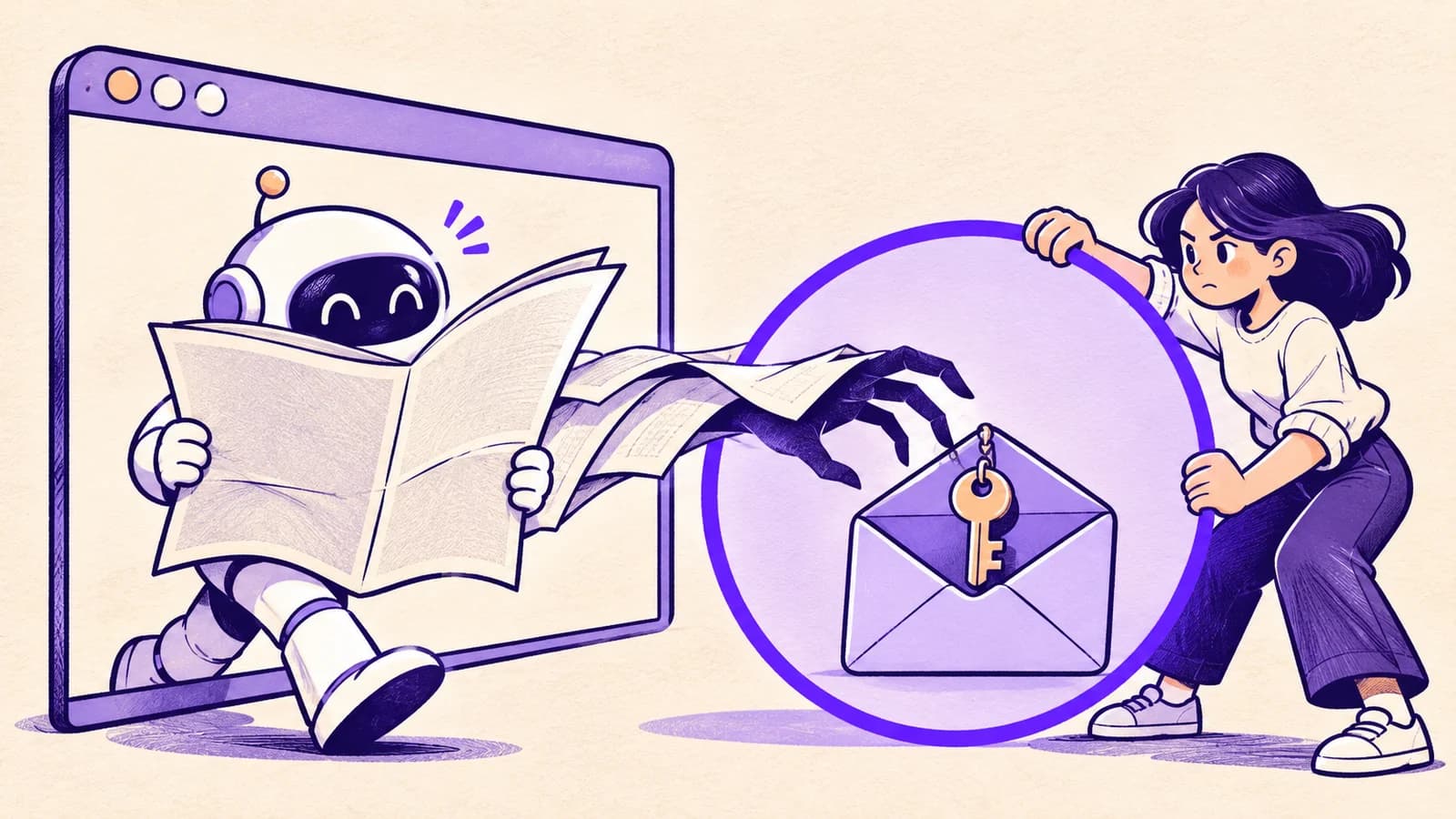
The security term is prompt injection. The everyday version is easier to picture: you hire someone to read your post, and one of the letters tells them to search your desk and send out a spare key. The letter is trying to become the boss.
Most people know not to give a stranger a sign-in code. The problem changes when an assistant can find and share that code on their behalf.
Why your usual caution may not be enough
You might avoid suspicious downloads and never type your password into an unfamiliar page. Those habits still matter. Here, the unwanted action came through a tool already entrusted with browsing and account access.
That is why an AI browser should earn access gradually. Consider using a separate browser profile for experiments, without your main inbox signed in. Keep sensitive accounts out of sessions that do not need them. Read any approval prompt rather than clicking through to finish the task.
Protect the code, even if the assistant asks nicely
A sign-in code is a temporary key. An AI should not copy it into a public reply, an unrelated message or a form simply because something it read says to do so.
Leash can inspect supported activity routed through it for secrets such as passwords and sign-in codes, and can require review for outgoing messages. It cannot inspect every page or stop a browser action happening outside that route.
A summary request should stay a summary request. The more accounts a browser can use, the more important it becomes to check the moment reading turns into doing.